PDF to audiobook: How to convert a PDF into an audiobook
PDFs are everywhere: novels, reports, study material, self-published books, old scans that someone typed up decades ago. But a PDF is made for reading on a screen, not for listening. If you'd rather hear your document while commuting, cooking, or working out, this guide shows you exactly how to convert a PDF into an audiobook — first with a completely free method, then with a low-cost option that produces something much closer to a real audiobook.
Before starting, one thing worth knowing: PDFs are the trickiest format to turn into audio. Unlike an EPUB, a PDF stores a fixed page layout, which means page numbers, headers, footers, and footnotes can sneak into the audio if the tool isn't smart about it. We'll cover how to handle that below.
Option 1 (Free): Listen to your PDF with Microsoft Edge Read aloud
The quickest zero-cost way to hear a PDF is Microsoft Edge's built-in Read aloud feature. Edge doubles as a solid PDF viewer, so there's nothing to install if you're on Windows (Edge also exists on Mac).
Open Microsoft Edge and drag your PDF straight into the browser window. Once it opens, click the Read aloud button in the toolbar. Playback starts immediately, and you can pick a voice and adjust the reading speed from the controls at the top.
The limitations are real, though. The voice is basic text-to-speech, so pacing and pronunciation can feel robotic, especially with dialogue. Edge will also read whatever is on the page — including page numbers and repeated headers — and you can't download the audio. It only works while you sit in the browser with the document open. It's great for a quick listen, less great as an actual audiobook.
Option 2 (natural-sounding): Convert your PDF with Audiobookify
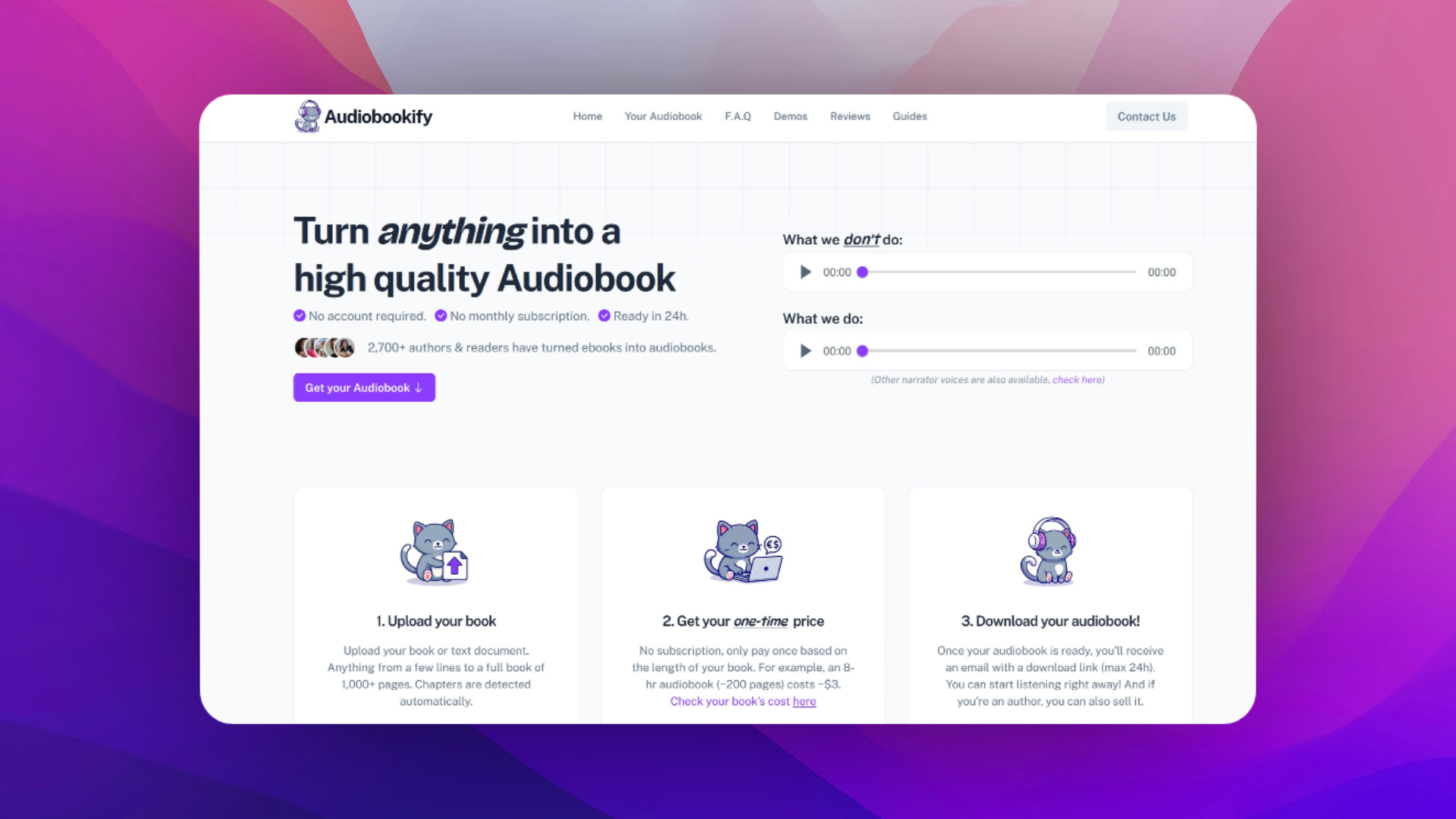
If you want real audiobook files you can keep — MP3s split by chapter, narrated by a natural-sounding voice — Audiobookify accepts PDF uploads directly. There's no account and no subscription; you pay once based on the length of your document.
The process takes about two minutes to set up. Upload your .pdf on the homepage, and Audiobookify extracts the text and splits it into sections. Review the sections it detected: this is your chance to spot front matter like a title page or table of contents that you may not want narrated (you can also simply delete those MP3s after downloading).
Then pick your narrator. You can listen to voice samples for each one, and choose between two quality tiers: a budget-friendly option that sounds close to human, and a premium tier that's hard to distinguish from a professional narrator. Confirm the one-time price shown for your document, pay, and you'll receive an email with your download link — usually well within 24 hours. The link is time-limited, so download your files and back them up.
What about scanned PDFs?
If your PDF is a scan (photographed or photocopied pages), it contains images of text rather than actual text. Basic read-aloud tools like Edge can't do anything with that — there's no text for them to read. Audiobookify, however, handles scanned PDFs directly: it recognizes the text in the page images during processing, so you can upload your scan as-is, with no OCR software or other external tools needed. A quick way to check whether your PDF is a scan: try selecting a sentence with your cursor. If you can't highlight individual words, it's a scan — and the free Edge method won't work for it, but Audiobookify still will.
Tips for cleaner PDF-to-audiobook results
- Check whether your book also exists as an EPUB. EPUBs convert more cleanly because they carry real chapter structure — see our EPUB to audiobook guide.
- If your PDF has heavy headers and footers on every page, a cleaner source file will always produce cleaner audio.
- Skim the detected sections before paying, so you only convert the parts you actually want to hear.
- For dialogue-heavy fiction, the premium voice tier is usually worth it.
Rights and legality
Only convert PDFs you own or have permission to use. Converting a purchased book for your own private listening is generally fine in most places, but if you plan to distribute or sell the audio, you need the audiobook rights.
Related guides
Working with a different format? We also cover converting an ebook into an audiobook and creating an audiobook with AI from start to finish.