EPUB to audiobook: How to convert an EPUB to an audiobook
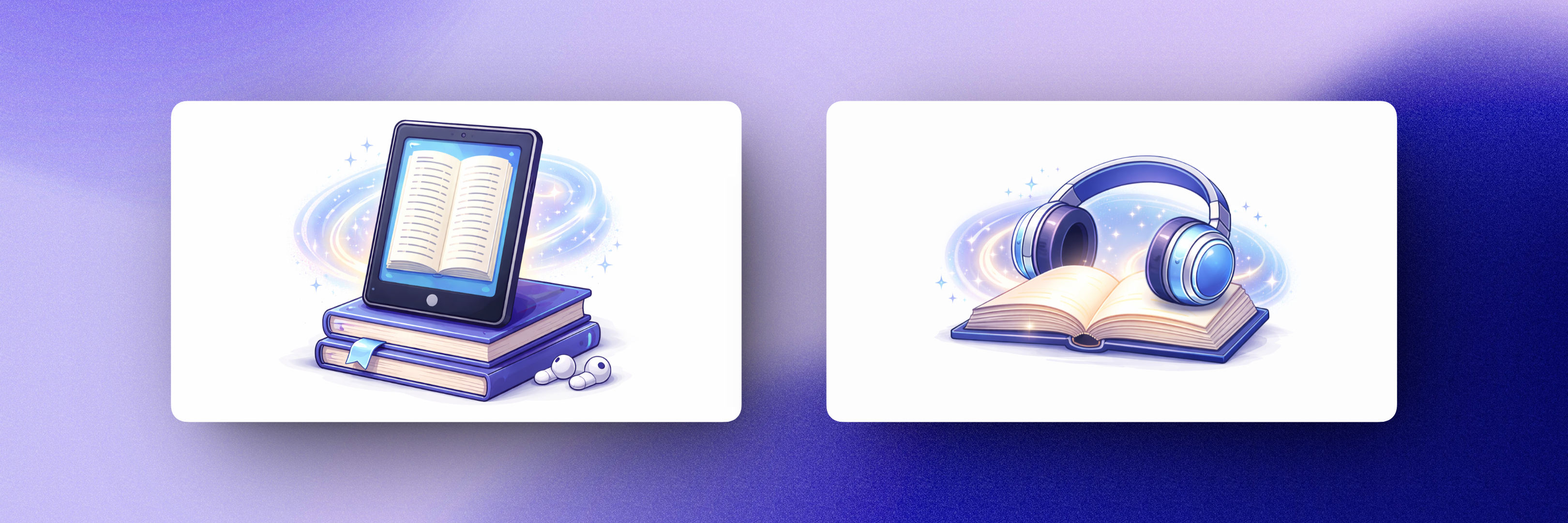
If you have a book as an EPUB file, you're in luck: EPUB is the single best format to convert into an audiobook. In this guide we'll explain why, show you a free way to listen to your EPUB right away, and walk through how to turn it into proper audiobook files — natural-sounding MP3s, split by chapter, that you can keep on any device.
Why EPUB is the ideal format for audiobook conversion
Unlike a PDF, which stores a fixed page layout full of page numbers, headers, and footers, an EPUB stores the actual structure of the book: chapters, headings, and clean flowing text. That structure is exactly what a conversion tool needs. Chapters can be detected automatically and become separate audio files, and there's no page-layout junk to accidentally end up narrated in your audio.
So if you have a choice between formats — for example, a book you bought comes as both PDF and EPUB — always convert the EPUB.
Option 1 (Free): Listen with a read-aloud app
For a quick, free listen, you can use text-to-speech built into reading apps. On Android, apps like Moon+ Reader or @Voice Aloud Reader can open an EPUB and read it with your phone's system voices. On iOS, you can use the system's Spoken Content feature with most reading apps. On desktop, Microsoft Edge can read documents aloud, though it won't open EPUB directly — you'd need to convert the EPUB to PDF first.
Free read-aloud works, but it comes with the usual trade-offs: robotic system voices, no downloadable audio files, and playback tied to the app. It's fine for casual listening; it doesn't feel like an audiobook.
Option 2 (natural-sounding): Convert the EPUB with Audiobookify
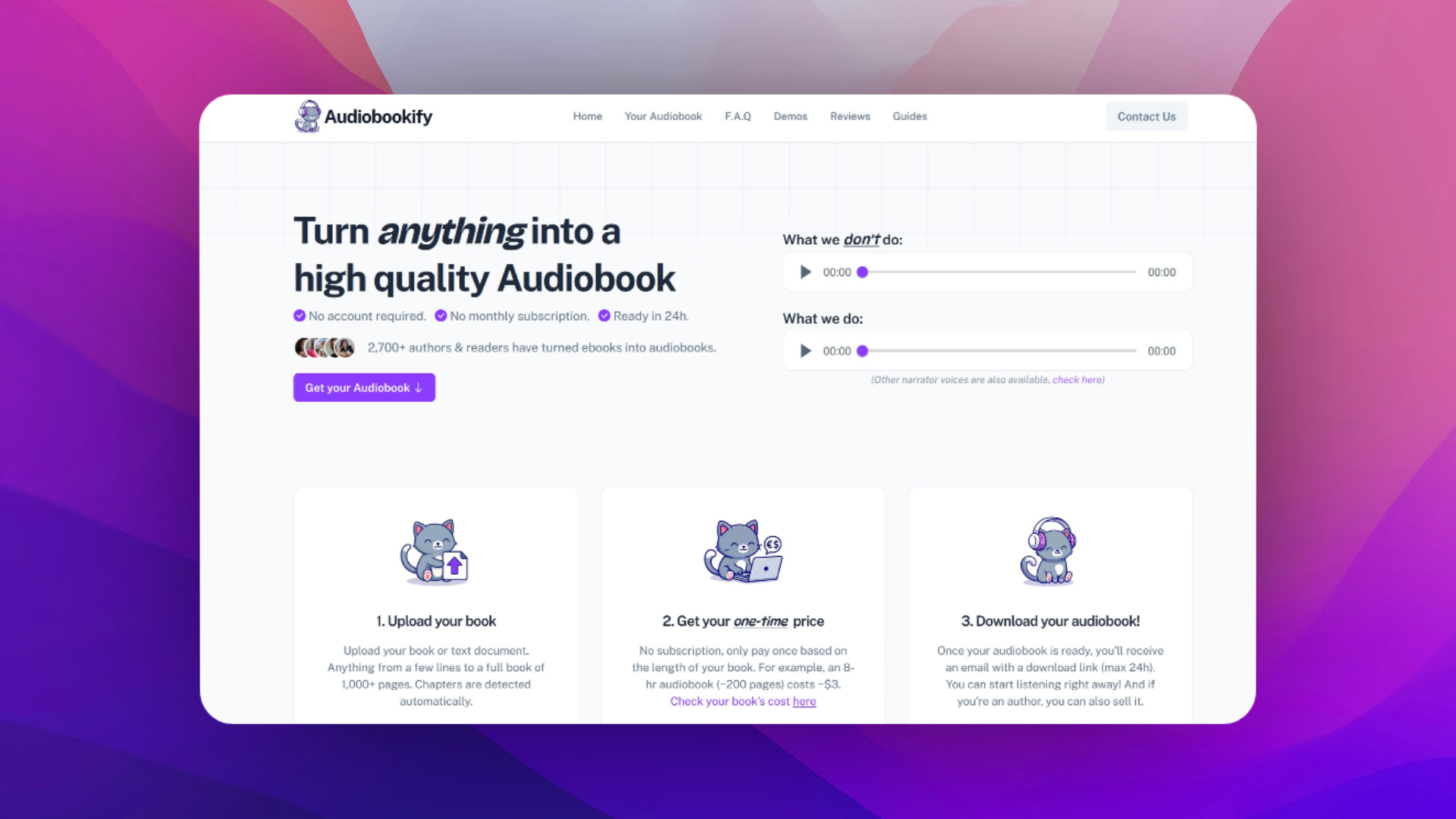
To get real audiobook files, Audiobookify converts your .epub into MP3s narrated by AI voices that sound remarkably human. No account, no subscription — you pay once, based on the length of your book.
Here's how it works. Upload your EPUB on the homepage. Because EPUBs carry chapter structure, Audiobookify splits your book into sections automatically — each section becomes its own MP3, just like the chapters of a store-bought audiobook. Review the detected sections, and if the book includes front matter you don't want (copyright page, table of contents), you can simply delete those MP3s afterwards.
Next, choose your narrator. Every voice has a listenable sample, and there are two quality tiers: a budget-friendly one that sounds close to human, and a premium tier using a more advanced AI model that's virtually indistinguishable from a professional narrator — noticeably better in dialogue. Confirm the one-time price for your book, pay, and your download link arrives by email, usually well within 24 hours. Links are time-limited, so download and back up your files.
Tips for the best EPUB-to-audiobook results
- Preview the detected sections before paying — it takes a minute and ensures you only convert what you want to hear.
- Pick your narrator by listening to samples with your book's genre in mind: a thriller and a romance rarely suit the same voice.
- For dialogue-heavy fiction, the premium tier is usually worth the small extra cost.
- If your EPUB came from a fanfiction site, our fanfiction to audiobook guide covers that workflow end to end.
Rights and legality
Only convert EPUBs you own or have permission to use. Personal listening is generally fine; distributing or selling the audio requires the audiobook rights.
Related guides
Have a PDF instead? Read how to convert a PDF into an audiobook. Curious about the bigger picture of AI narration? See how to create an audiobook with AI.