Ebook to audiobook: How to convert an ebook into an audiobook
How to convert an epub file (ebook) into an audiobook. This guide will walk you through the process of converting an epub file into an audiobook for free and/or for a low cost using multiple different tools and techniques.
Converting an ebook to audio is a simple way to "read" while commuting, walking, or doing chores. Below are two practical options: a free method you can do right now, and a low-cost method that produces a more audiobook-like result with downloadable files.
Option 1 (Free): Microsoft Edge Immersive Reader + Read Aloud
The fastest free way to turn an ebook into an audiobook is to use Microsoft Edge's reading features. You can open a PDF in Edge and use Read aloud (often paired with Immersive Reader). It works, but the listening quality is usually basic text-to-speech: robotic pacing, odd pronunciations, and not a true audiobook experience.
To do it, open Microsoft Edge, then drag and drop your PDF into the browser window. Once the PDF is open, look for the Read aloud button and start playback. You can also adjust voice and speed in the read-aloud controls.
If your book is an EPUB and Edge won't open it directly on your device, convert the EPUB to PDF first, then open the PDF in Edge and use Read aloud the same way.
This is a good "free and fast" option, but it's not ideal if you want clean chapter audio files you can download and keep.
Option 2 (natural-sounding): Convert EPUB to audiobook with Audiobookify
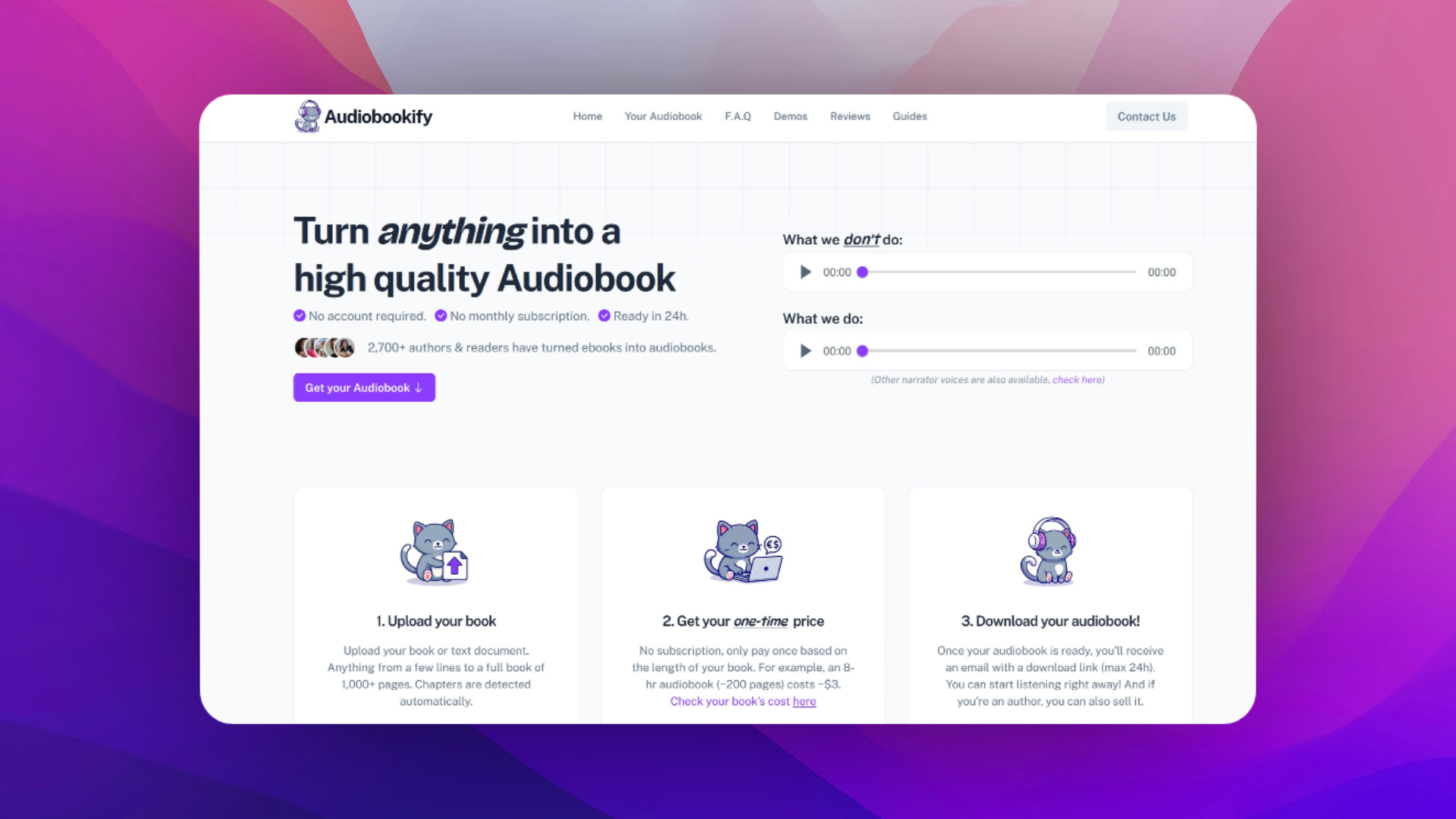
If you want a more audiobook-style conversion, Audiobookify is built specifically for converting an EPUB into audio. You upload your .epub, choose your voice quality and narrator, and then receive downloadable MP3 files (typically split by chapter/section), sent via email.
The process is straightforward:
Upload your EPUB on Audiobookify, then review how the book is split into sections. Each section becomes its own MP3, which makes listening and organizing easier. If your ebook includes a table of contents or front matter you don't want in the final audiobook, you can simply delete those MP3s after downloading.
Next, choose voice quality. Audiobookify offers different tiers so you can prioritize either price or more natural-sounding narration. Then confirm the one-time price shown for your book length and quality choice, pay, and wait for the email with your download link. Audiobookify commonly delivers within 24 hours, and the download link is time-limited, so download your files and back them up.
Quick tips for cleaner EPUB-to-audiobook results
- Make sure your chapter titles are consistent, so splitting into sections is cleaner.
- If the EPUB contains repeated headers/footers, remove them before converting if possible.
- For dialogue-heavy books, higher-quality narration usually sounds more natural.
Rights and legality
Only convert ebooks you own or have permission to use. If you're creating audio for commercial use, make sure you have the rights to produce an audiobook version.
Related guides
Looking to convert fanfiction stories instead? Check out our guide on how to turn fanfiction into an audiobook, which covers downloading stories from AO3, Wattpad, and other platforms before converting them to audio.